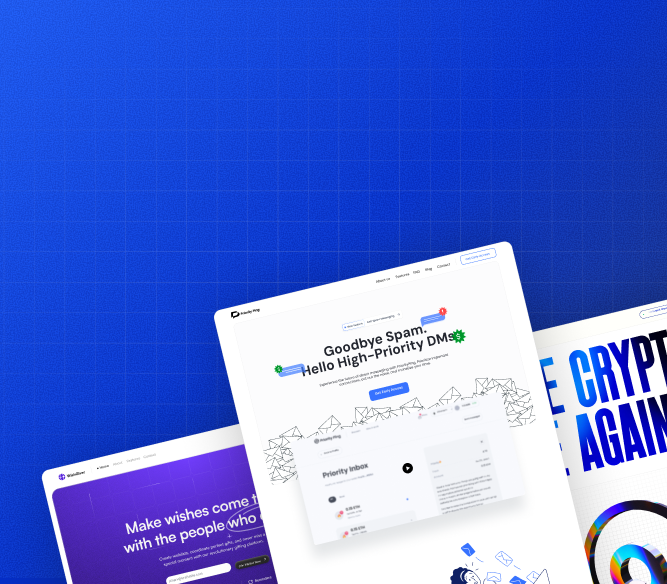
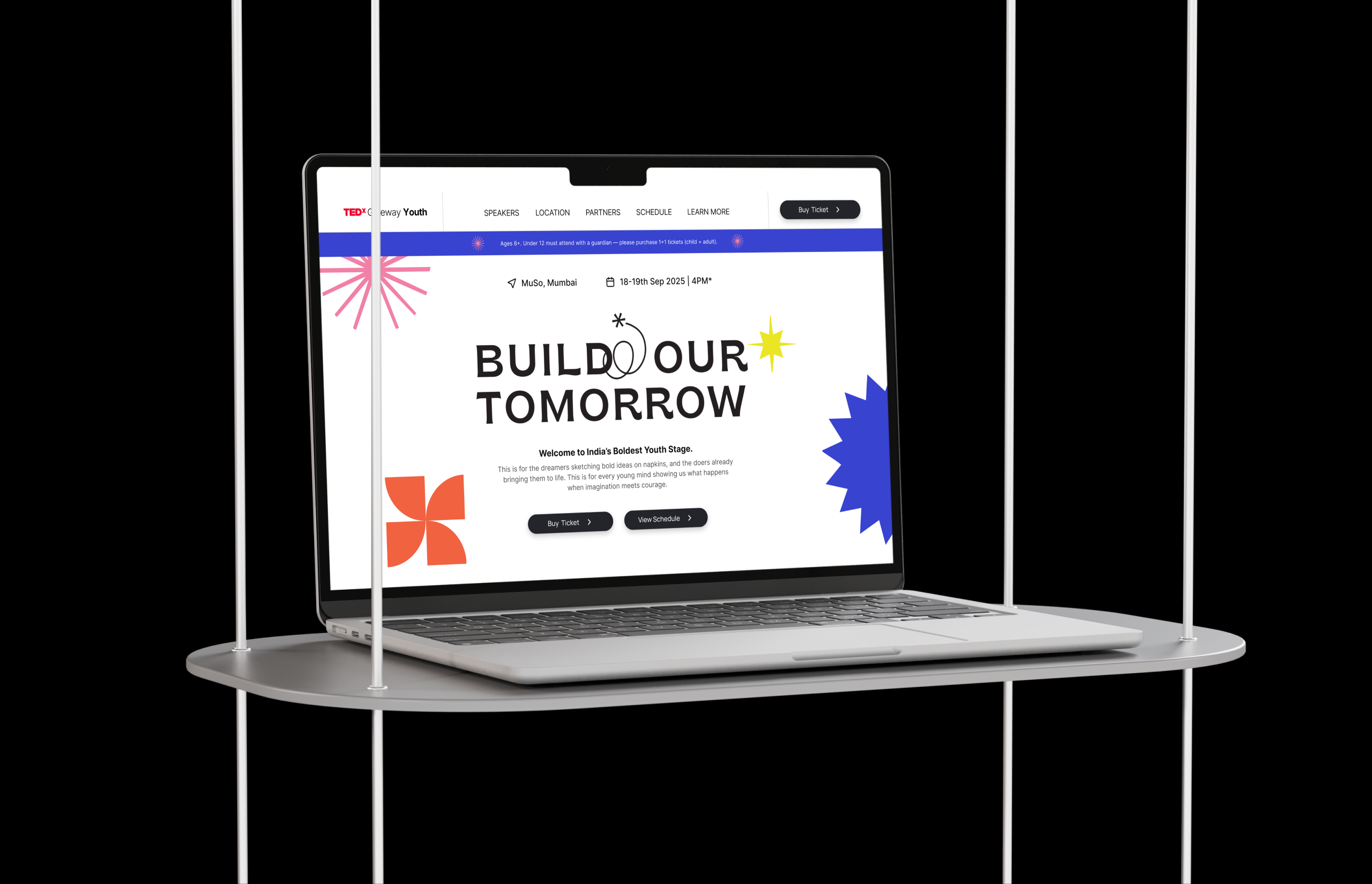
40 Project Completed

Design That Makes Complex Digital Products Feel Simple to Every User

Is your product powerful but hard to understand? Want every user to feel confident the moment they log in? At Kraftelite, we turn complex digital products into simple, delightful experiences that drive retention.
We know your issues

What's holding you back from choosing us, considering we've already addressed these issues?

1. Users Sign Up But Never Come Back
Problem
You have traffic and trial signups but activation is low. Users land in the product, don't know where to start, and leave before they see the value.
Solution
We audit your onboarding flow and redesign the critical path from signup to first value moment removing every step that isn't earning its place.

Problem

Solution

2. Your Product Looks Like It Was Built by Engineers
Problem
The product works technically but the interface is cluttered, inconsistent, and intimidating. Users feel like they need training before they can do anything.
Solution
We redesign the interface around how users think, not how the database is structured clear hierarchy, progressive disclosure, and a visual language that builds confidence.

Problem

Solution

3. Every New Feature Breaks the Consistency
Problem
Your product has been built by multiple developers and designers over time. Every new screen looks slightly different. There's no system just accumulated decisions.
Solution
We build a Figma design system and component library that every future feature is built from. Consistency becomes the default, not something you have to enforce.

Problem

Solution

4. Your AI Product Is Hard to Understand
Problem
The AI does something powerful but users can't tell what it's doing, why, or what to do next. The interface doesn't communicate the intelligence behind it.
Solution
We specialise in AI product interfaces prompt inputs, confidence displays, output formatting, and explainability patterns that make the AI feel trustworthy, not opaque.

Problem

Solution

5. You're Shipping Fast But Breaking Things
Problem
Your team ships features quickly but without a shared design language. Every sprint introduces new patterns that conflict with what's already there.
Solution
We embed into your product team as a design partner attending standups, reviewing PRs for design, and maintaining the design system so speed doesn't sacrifice quality.

Problem

Solution

6. You Can't Afford a Full In-House Design Team
Problem
A senior product designer in a SaaS company costs ₹40–80L annually. You need the output without the headcount, especially at Series A and before.
Solution
Our monthly design subscription gives you senior product design capacity UI, UX, design system maintenance, and async collaboration at a fraction of the hiring cost.

Problem

Solution

We solve all of your problem

We have looked into the problems our clients were facing & we expanded ourself to provide inhouse end to end soutions with our creative team.

Marketing Website Design
Focus on one goal at a time. Best for long term marketing goals.
Landing Page Design
Conversion optimized designs for specific campaigns or launches.
Mobile App Design
UX/UI for iOS & Android apps to make users feels like home.
SaaS Interface Design
Dashboard, platform, and tool design with usability first layouts.
Web Apps
One design that fits all the devices and ensure users has a smooth experience.
Market & User Research
Step-by-step clarity on how users move, think, and click to ensure we sell.
We know how much difficult it can get even the basic things sorted.

While we provide end to end solution for our client we also focuses on delivering all the essential stuff which is needed by other team to get the job done.

Simple,
Fast,
Efficently.
- - If we missout on somehting you looking for always let us know & we will get it done ASAP.

Every State Designed

Empty state, loading state, error state, success state every screen is complete before it's handed off. No blanks for developers to fill in with guesswork.
Every State Designed

Accessibility Baked In
Contrast ratios, tap target sizes, keyboard navigation, and screen reader labels — checked on every screen before delivery. Not an afterthought.
Accessibility Baked In

Responsive by Default
Every layout designed for desktop and tablet from the start. SaaS users switch between devices — your product should work on all of them.
Responsive by Default

Component-First Thinking
Nothing is designed as a one-off. Every element is built as a reusable component so your design system grows with every screen we add.
Component-First Thinking

Real Data, Not Lorem Ipsum

Every screen is designed with realistic data long names, empty lists, error messages, edge cases. What you see in Figma is what users will actually see.
Real Data, Not Lorem Ipsum

Handoff-Ready Figma
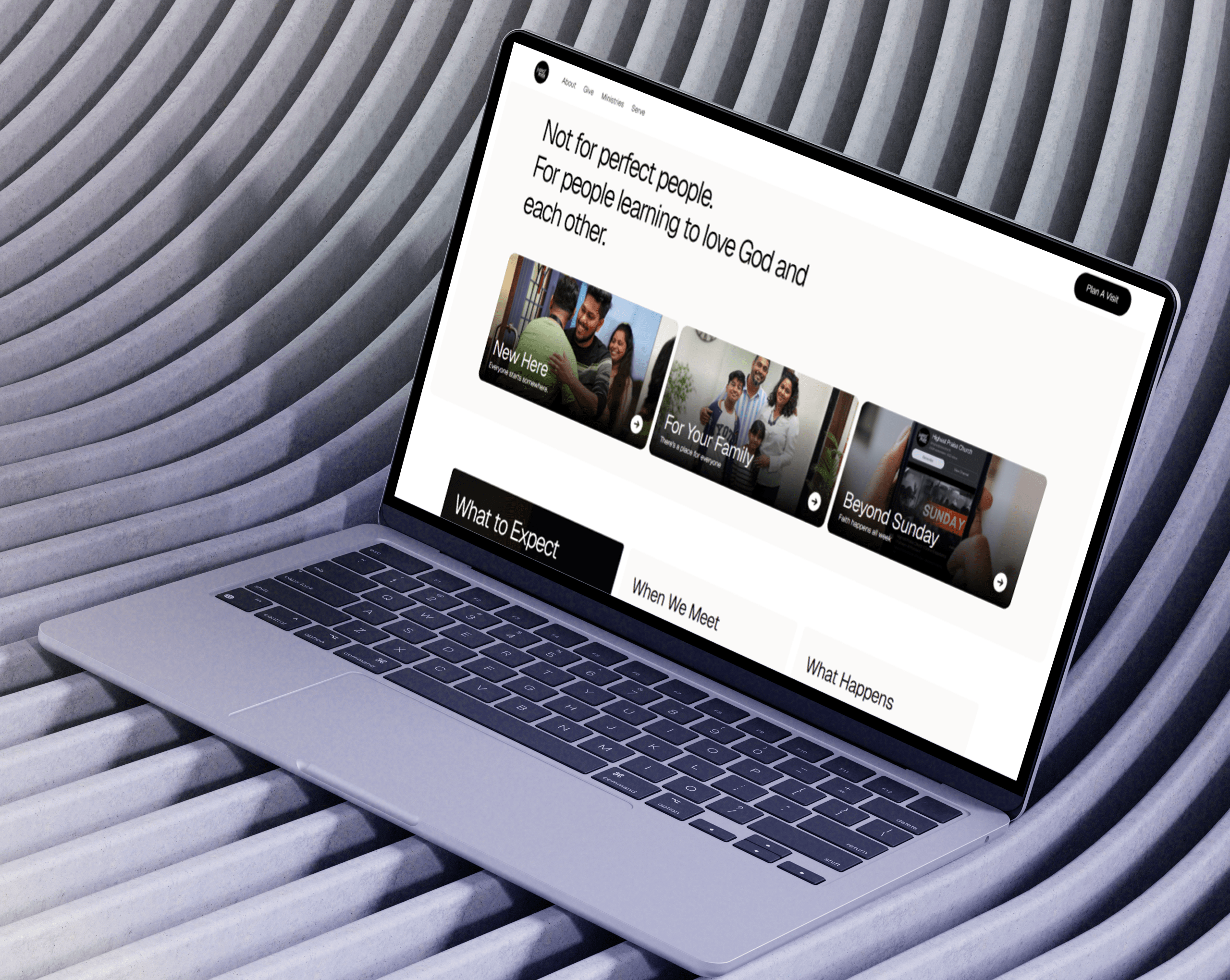
Auto layout, proper constraints, named layers, and organised pages. Any developer can open the file and understand it immediately — no translation required.
Handoff-Ready Figma
We know our client trust us

If you don't believe us, hear for our clients itself.

We love to spread happniesss through our design & developemnt services & we get loved by the clients from all around the world.
0:00
0:00
Krafteliet has been consistently delivering high-quality design solutions that exceed our expectations.
Jasmine Brunson
CEO, Rektify AI
Kraftelite is a expertise in UX design has significantly improved the user experience of our product. Lead to more product signups.
Pranit Mahajan
CEO, Testify AI
We only take on a limited number of projects each month.

Not to create artificial scarcity but because we refuse to spread ourselves thin.

Every client gets the full team. Every project gets our full attention.

If you're reading this and it feels right it probably is.

Still have a few questions before you decide?
We've answered the most common ones just below.

And if yours isn't there just message us. We reply within 12 hours.

Let’s work together to build your dream

Our flexible engagement model makes it simple and affordable to.
Book Now
Book Now
How many revisions do I get?

Unlimited. We don't cap revisions or charge extra for changes. We keep iterating until the design feels right to you — because a design that doesn't work for your users doesn't work for us either.

Will I be able to hand off the Figma file to my developer directly?

Yes. Every file we deliver is structured with proper layers, components, auto-layout, and annotations so your developer can jump in without needing to chase us for clarifications.

Do you conduct user research or is it purely visual design?

We incorporate UX thinking into every project — user flows, information architecture, and interaction patterns are always considered. For deeper user research or usability testing, we can discuss that as part of your project scope.

What kind of apps have you designed before?

We've worked on SaaS dashboards, AI-powered tools, mobile apps, and B2B platforms across industries. You can check our projects section on the website for a look at what we've shipped.

Can I start with just one feature or a single screen?

Absolutely. You don't need a full project to get started. Many clients come to us for a specific flow — an onboarding screen, a dashboard redesign, or a checkout experience — and we treat every task with the same attention regardless of size.

What exactly is included in your Product & UX/UI Design service?

We cover everything from early-stage wireframes and user flows to high-fidelity UI screens for mobile apps and web apps. Every deliverable includes a Figma file, so your team always has a developer-ready, editable source of truth.

How long does it take to design a mobile or web app?

Most UI screens or feature flows are turned around within 48–72 hours. For a full product design (end-to-end flows + all screens), timelines depend on scope — but we keep you updated every 48 hours so you're never left waiting.

Do you work on existing products or only new ones?

Both. Whether you're launching from scratch or redesigning a product that's already live, we adapt to your stage. We'll audit what exists, identify friction points, and build on top of or replace it depending on what makes sense.